LetterMpress Digital Wood Type Save the Date
How do you experience making a letterpress wood type Save The Date without an 800 pound printing press? With an Ipad, of course! John Bonadies, innovator, designer, and visionary artist along with his programming team started with an idea funded by KickStarter. He wanted everyone to enjoy the rich experience of creating letterpress and his idea lead to the LetterMpress app.
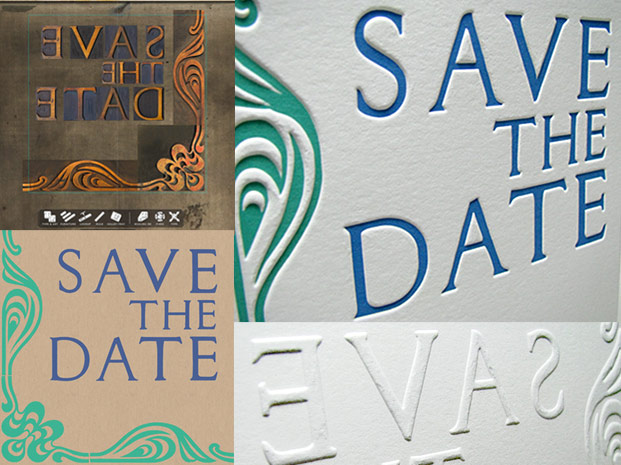
The left two iamges are designs created using the app. The right two photos are prints created by Letterpress Light from the LetterMpress files.
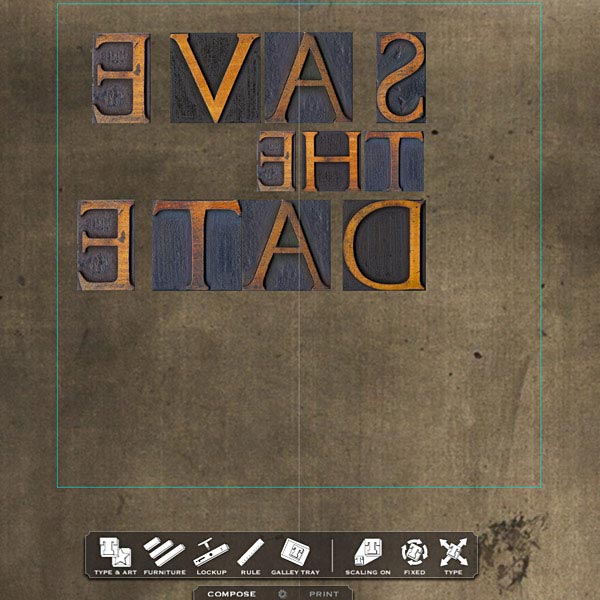
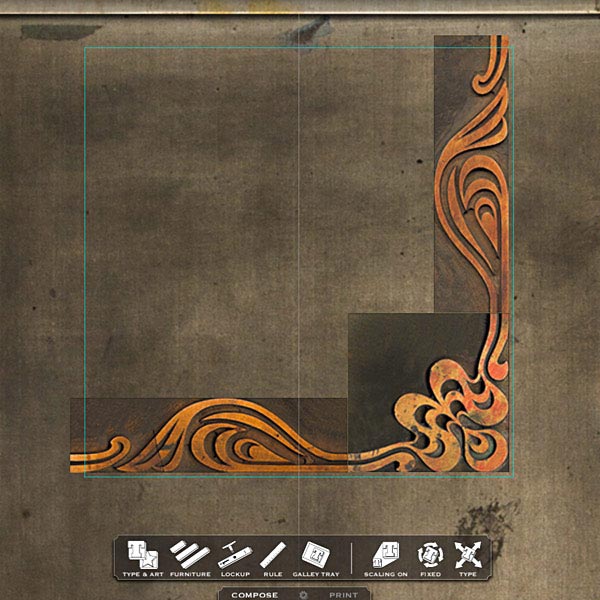
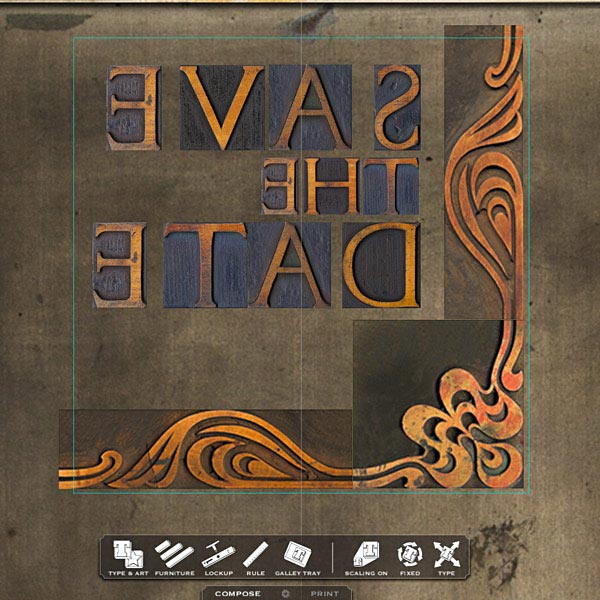
Bonadies and his team made scans of real vintage wood type in order to create the type and design options available in the app. You get to pick out and place your wood type on the screen, right on your virtual press bed. The team at LetterMPress designed the layout you see here for us, generating the “print” below (without any ink-stained fingers!). (Check out the cool videos of LetterMpress in action.)
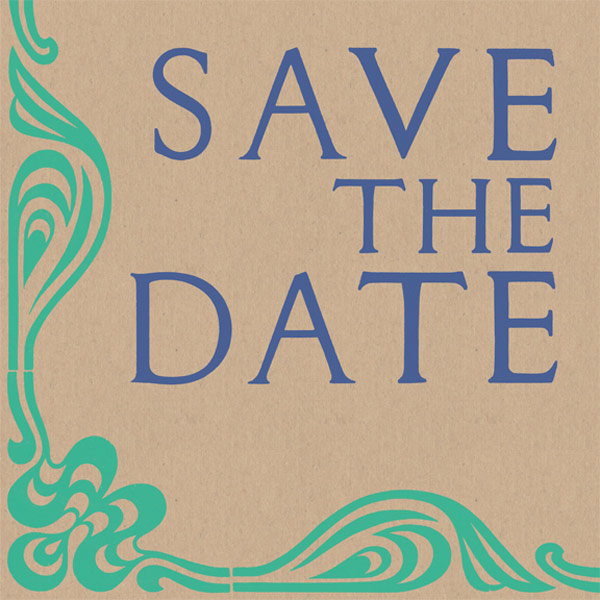
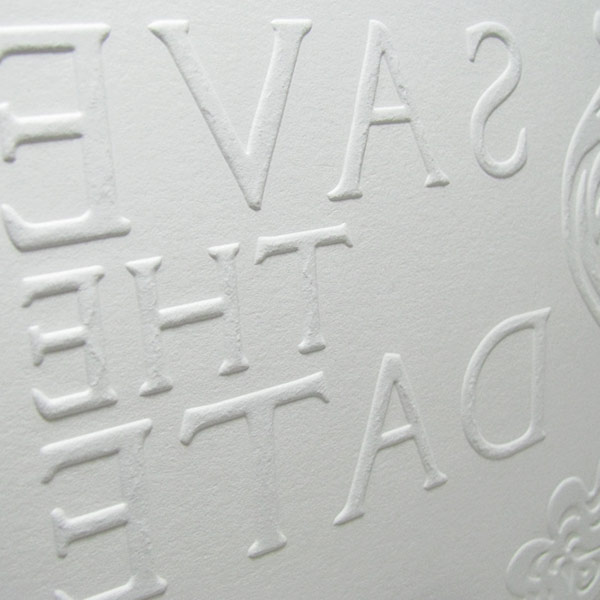
We took this high-res image and turned it into these deep embossed Letterpress Light prints.
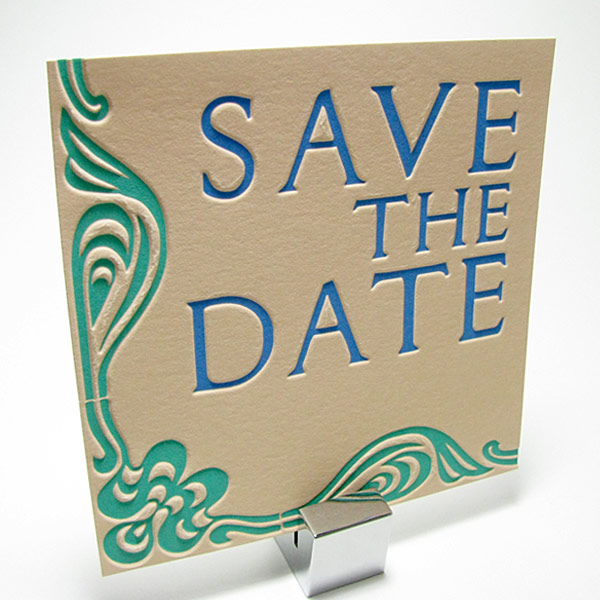
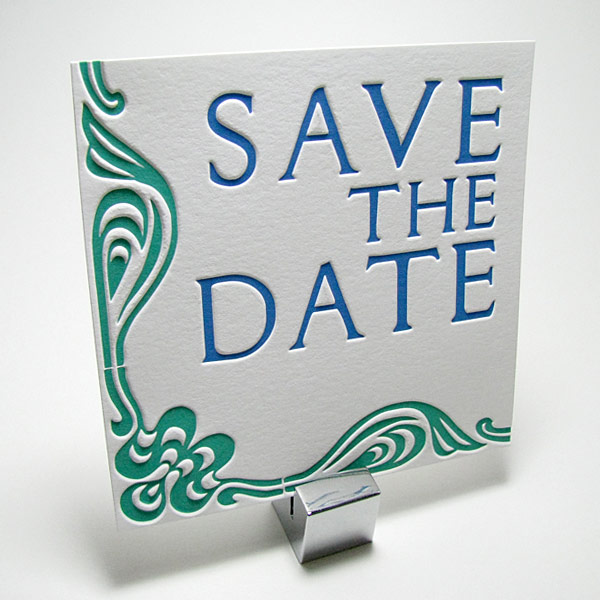
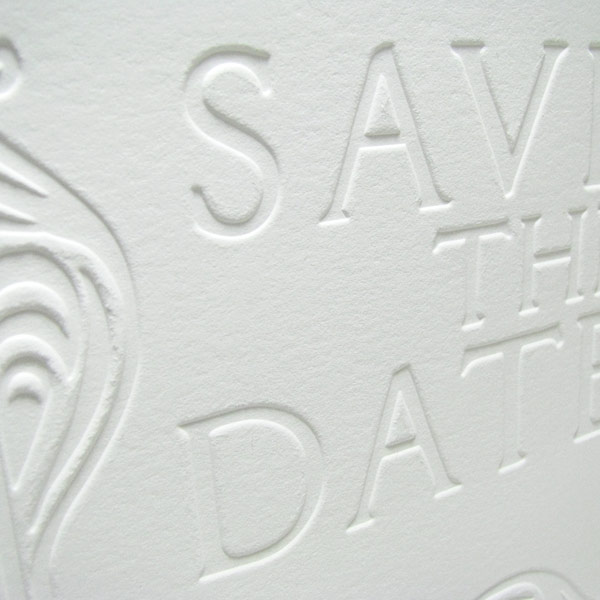
And here’s the back:
Check out the app, play around, create, have fun! (We did.)

Hasn’t the paper been damaged from the impression being too deep?
Hi Lisa!
Not sure what you would consider damaged, but the Lettra we use holds up well in our process. The embossing is deep, so there can be some cracking, but we usually gear designs such that it doesn’t detract from the overall look. It’s probably a matter of preference, but for those who like a really deep texture, we think the Letterpress Light pieces look really good!
More importantly, are these being printed with impressions that deep from wood type? In that case Mr Bonadies will not have much wood type left after a while. This kind of printing wears antique wooden type and even cracks and breaks the dried sometimes centuries old, irreplaceable wood type. This app is no where near the experience of printing for real, and a good skilled printer would never mash their expensive wood type into 300# paper. Unfortunately, supporting this practice and this app is pretty quickly destroying a part of history and the tools with which it could instead be preserved.
Sorry if there was any confusion, LetterMpress did not produce the print shown in the blog. We took the LetterMpress file and turned it into one of our own Letterpress Light creations. No antique wood type was harmed in the creation of this print!
If you read the post you will realize no wood type was used to make these prints. We know the value of wood type and would not subject it to high pressures.
As for the process and the app contributing to the decline of letterpress, I’d be interested where you are getting your facts. We just had an opening of our Living Letter Press last night with over one hundred attending. 50% were 20 somethings, and a handful of retirees who worked on the press floors and composing rooms when letterpress was the industry norm–neat to see an 80 year-old explaining how the C&P works, and vise versa with LetteMpress on the iPad.
It’s great that you are keeping letterpress alive and making it more interesting. I would have love to have been there at the open house and known first hand the thoughts of the retired printers being around a room of 20 something’s all talking about the craft.
That much pressure will ruin the type! yikes!
Please see above, no wood type harmed in the creation of this print!
how did a left aligned form turn into a right aligned print?
Good eye, we didn’t catch that! We can ask the folks at LetterMpress, we may have mixed up the output file!
Thanks for catching that. We did several designs for the folks at D&R to choose from. I sent a screen capture of a different design variation.